Affiqly · Product
Explore the Affiqly application
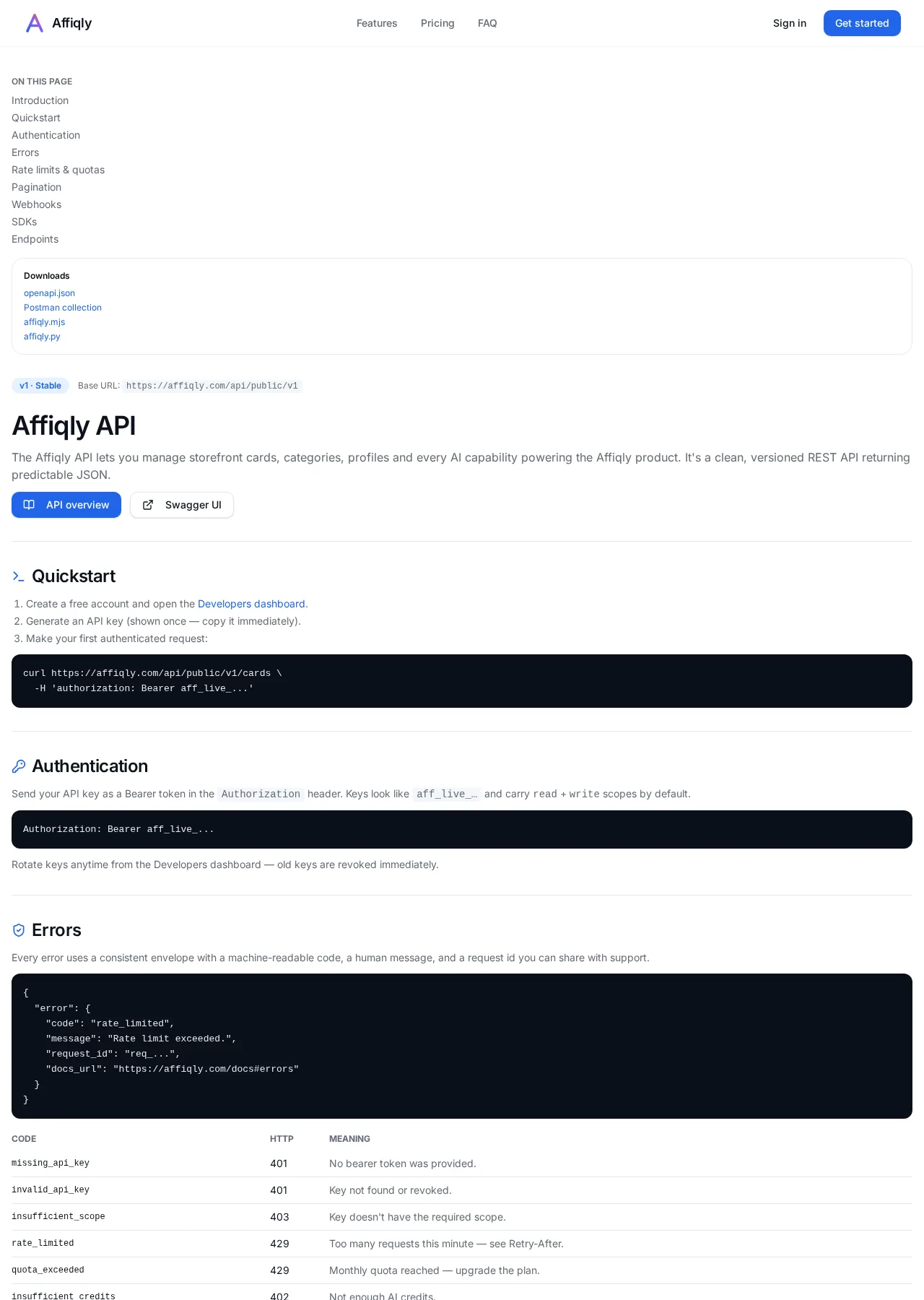
A look at genuine public application screens, plus the account workflow supported by the current product.
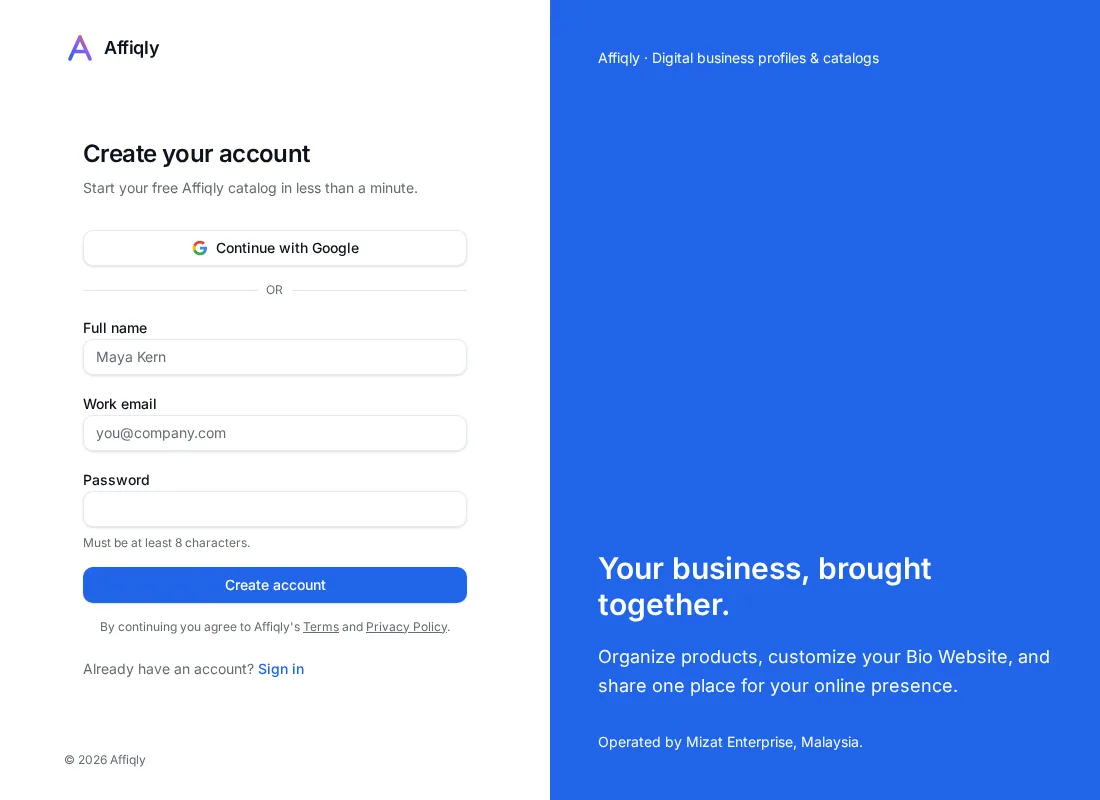
Get started with an account
Registration supports an email and password or Google sign-in. After signing in, the workspace provides your profile, appearance settings, and catalog management.
Your workspace workflow
- Create your digital business profile. Add your name, username, bio, and relevant business links.
- Customize its appearance. Choose available themes, colors, typography, and sections.
- Add catalog items. Create products and other card types, add images, and organize categories.
- Publish or share your profile. Control public visibility and share your Affiqly username URL.
- Review available insights. Eligible plans can request AI analysis of catalog and account information. This is not measured conversion or revenue analytics.
These workspace capabilities are present in the source. Private workflow screenshots and a signed-in end-to-end demonstration are not included; only public screens were authorized for this demonstration.
Sign in to your workspaceExplore the public developer documentation
The existing documentation includes account setup, API authentication, examples, and developer resources. API access requires an account and applicable permissions.